
 Training Category
Technical Services
Here you will find practical guides and support on typical service and technical topics related to your solution.
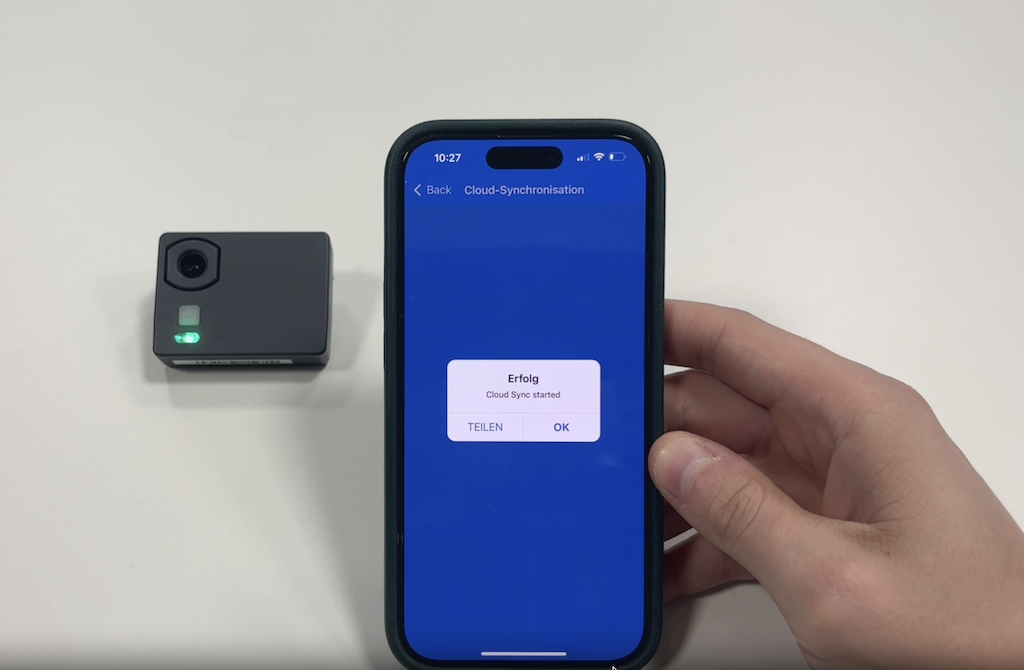
Shelf-Edge Camera – Ensuring WiFi Connection
If a shelf-edge camera is not generating up-to-date analyses, the cause is often a disrupted WiFi connection...
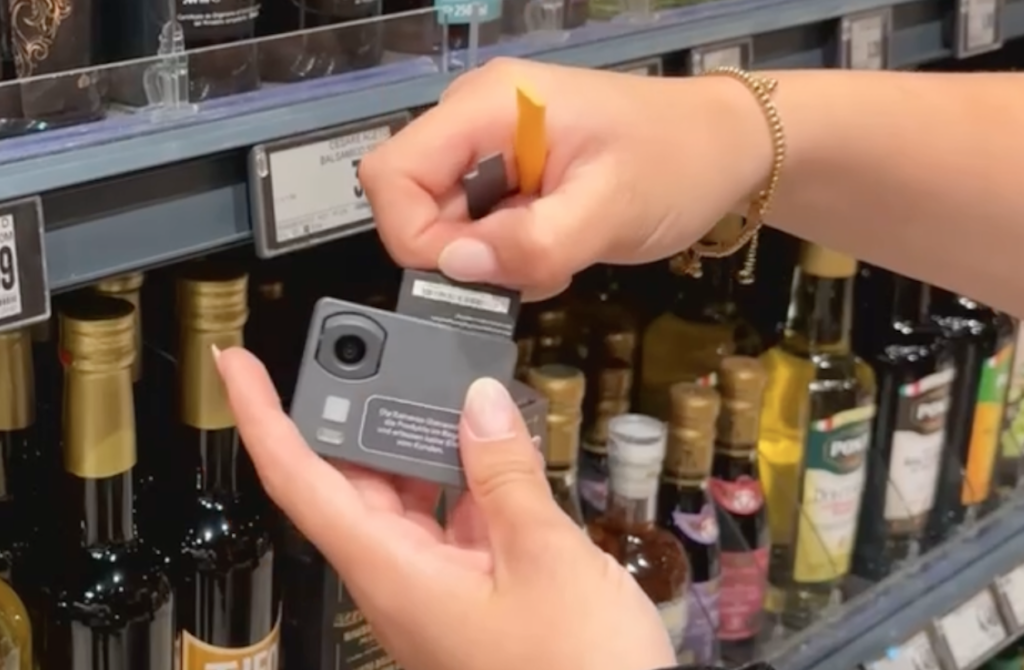
Shelf-Edge Camera – Replacing the Battery
When the battery level is low, it can be replaced directly on-site. The process is simple and requires minimal effort ...
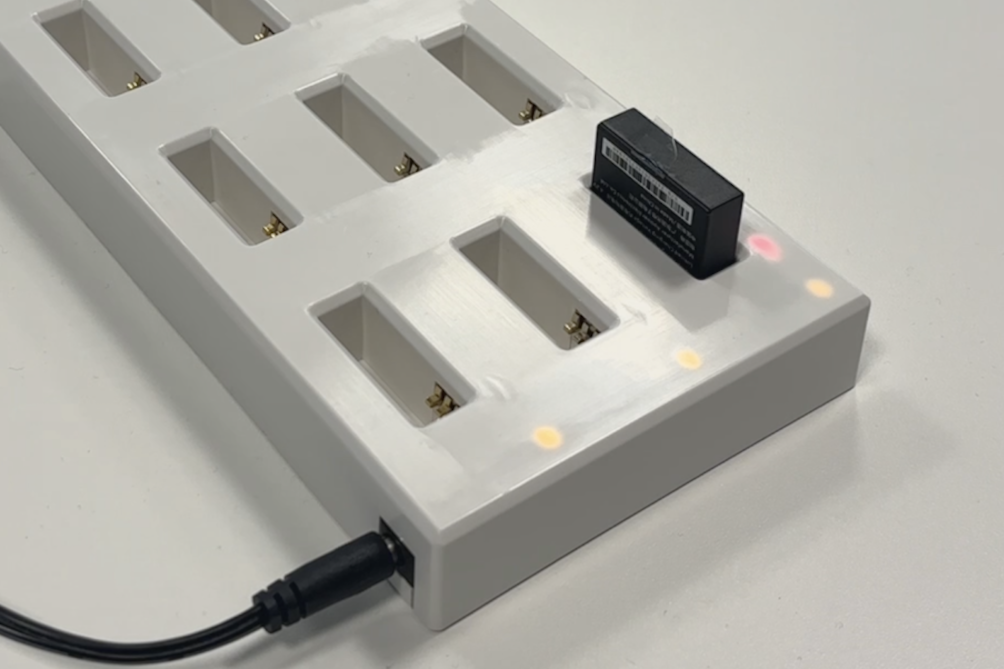
Shelf-Edge Camera – Charging the Battery
Empty batteries can be charged either directly on the camera via USB-C cable or separately using the Captana EyeCharger ...
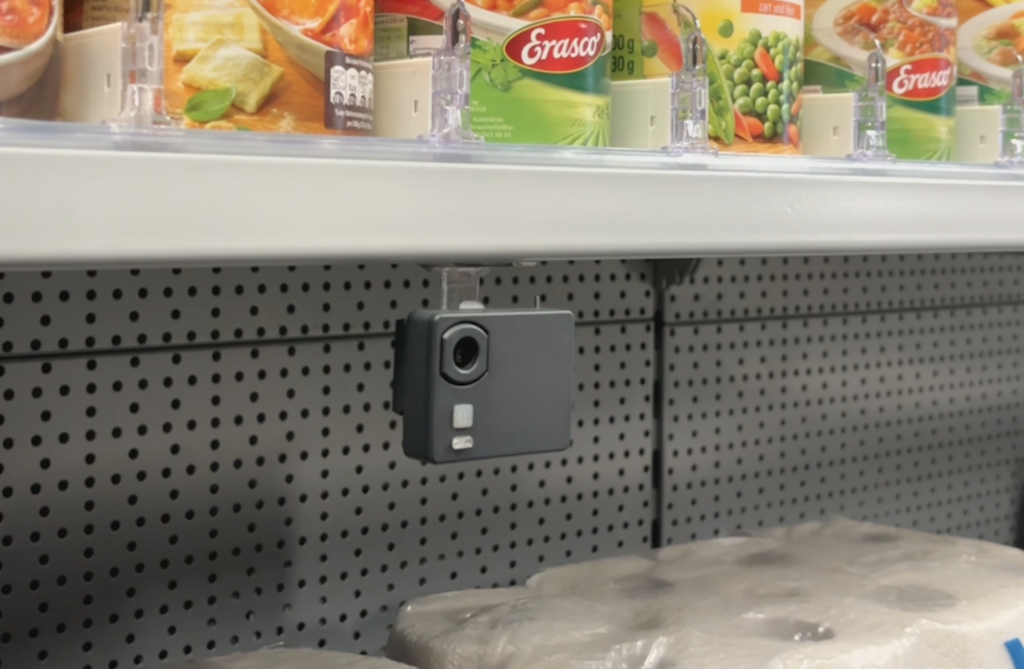
Shelf-Edge Camera – Alternative Mounting Options
Not every shelf provides ideal conditions for standard camera mounting. For such cases, alternative mounting solutions are available ...
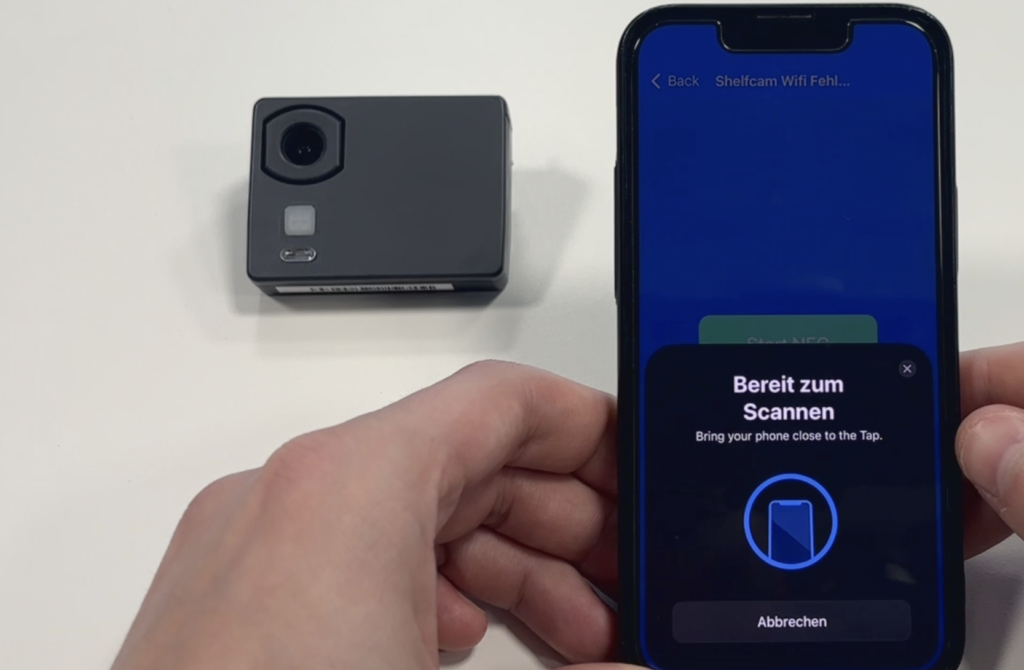
Shelf-Edge Camera – WiFi Connection Troubleshooting
If a camera can no longer connect to WiFi, the cause can be analyzed in more detail using the debug function ...

Shelves in captana.io – Assign Work Areas Precisely
If shelf-edge cameras are added or repositioned, you can easily assign the appropriate work area to a shelf within the shelf overview section...
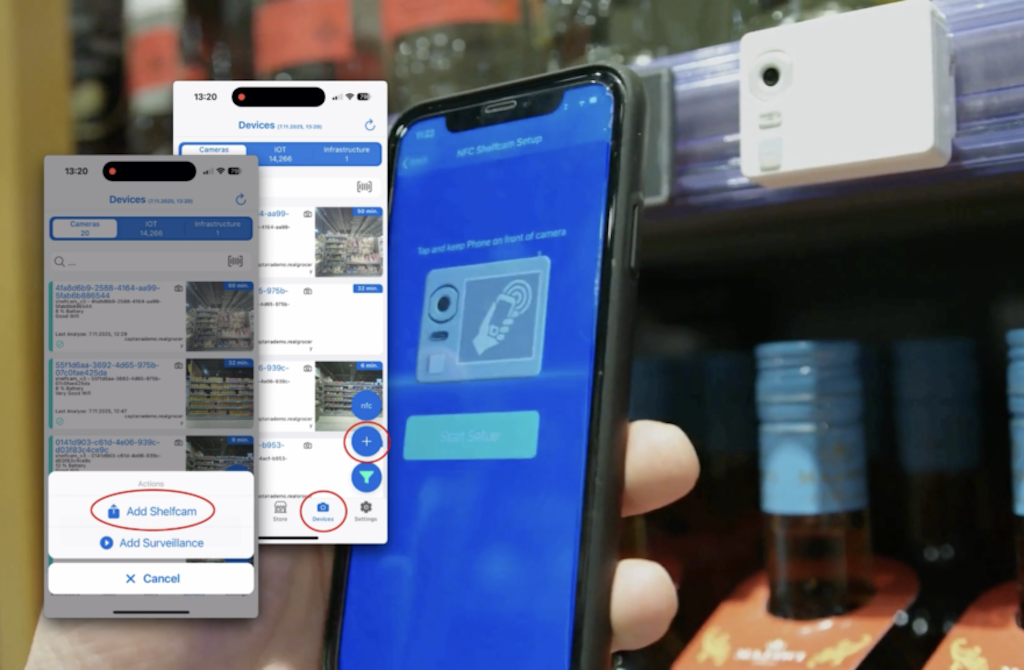
Shelf-Edge Camera – Pairing via Captana LIVE App
During initial installation, new shelf-edge cameras can be directly connected to the system via the Captana LIVE app...

0
Video-Tutorials
Step-by-step video instructions

0
PDF Resources
Downloadable documentation

0
Image gallery
Visual references and examples