
 Training Category
Captana.io
Get a clear overview of your key figures, shelves, and camera status—and learn how to use this information effectively to optimize your processes.
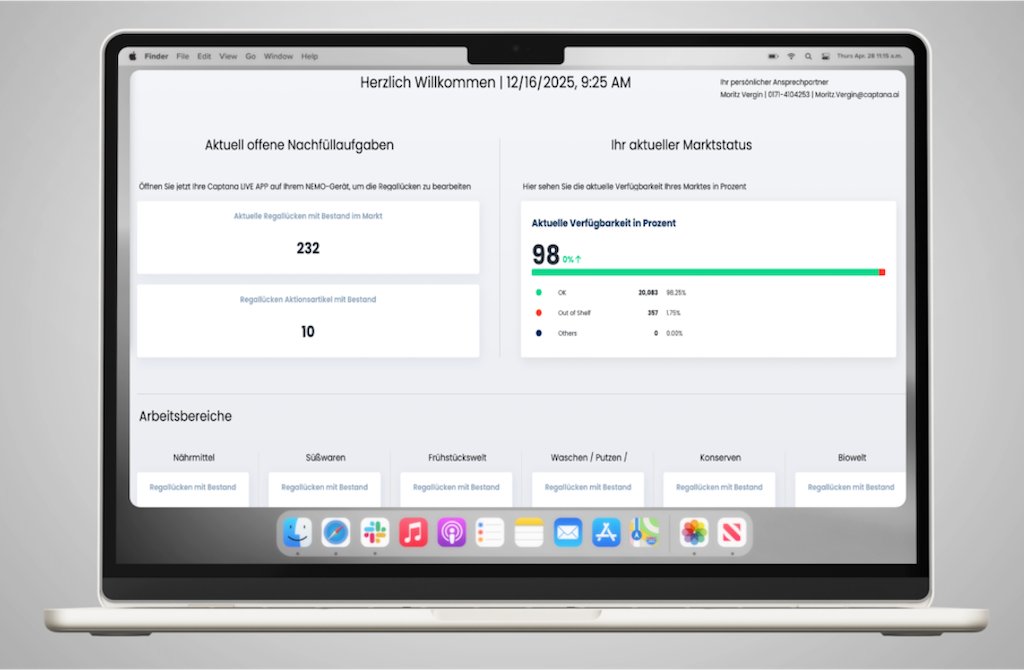
Dashboard in captana.io – Your Key Metrics at a Glance
The dashboard in captana.io consolidates all key KPIs related to your shelves and stores into a single, compact view. This allows you to ...
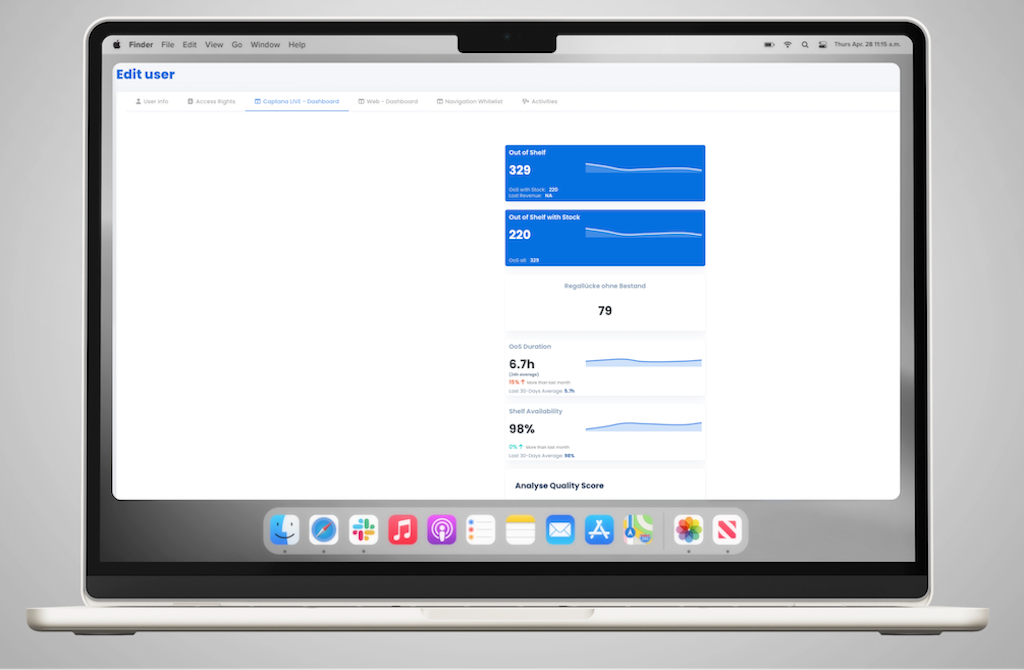
Dashboard in Captana LIVE – Customize Your View
The dashboard in the Captana LIVE app can be flexibly tailored to your specific requirements. This ensures ...
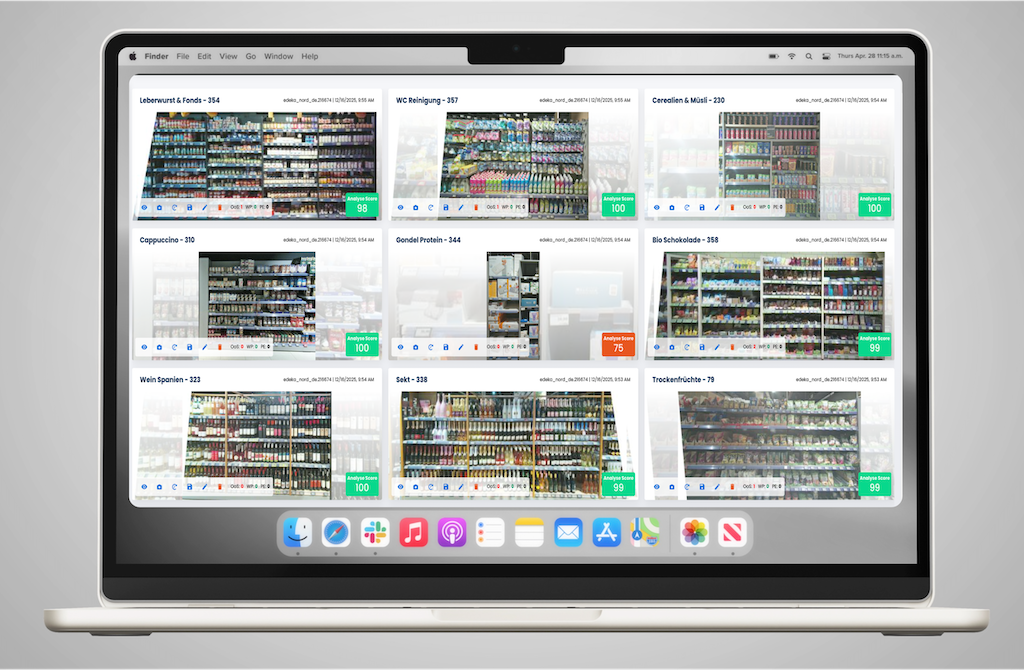
Shelves in captana.io – Overview and Analysis
In captana.io, you get a structured overview of all captured shelves in your store. This view helps you quickly understand ...
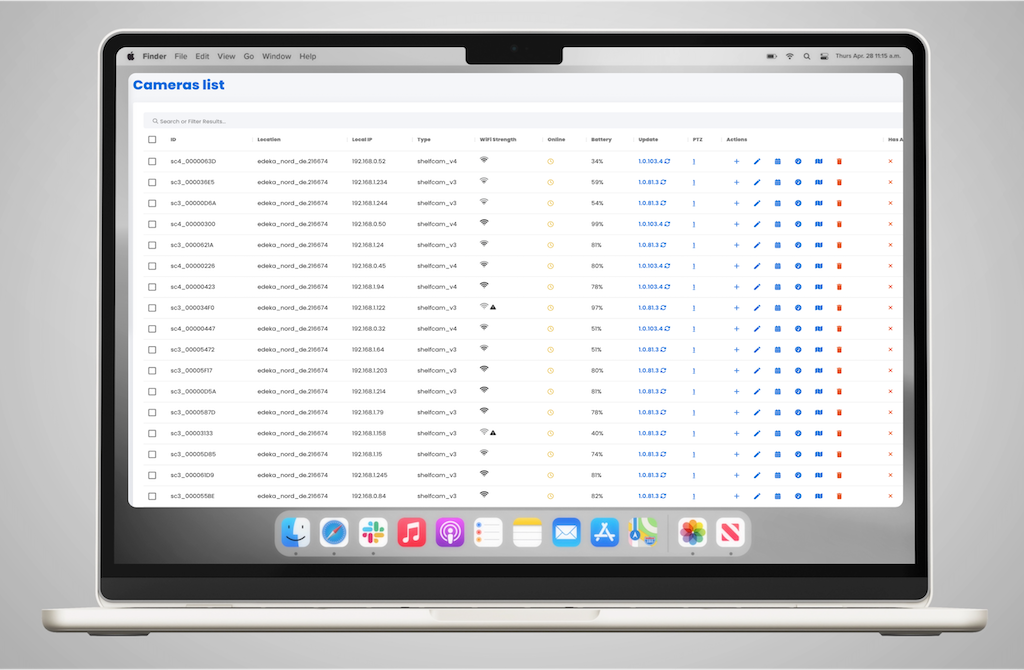
Cameras in captana.io – Monitor Status and Availability
In captana.io, you can view the current status of your deployed shelf-edge cameras at any time. This ensures that issues are identified early.

Location Calendar in captana.io – Customize and Control Analysis Times
The location calendar allows you to flexibly adapt analysis cycles to your operational workflows. This ensures that evaluations are performed exactly ...

Shelves in captana.io – Assign Work Areas Precisely
If shelf-edge cameras are added or repositioned, you can easily assign the appropriate work area to a shelf within the shelf overview section...

0
Video-Tutorials
Step-by-step video instructions

0
PDF Resources
Downloadable documentation

0
Image gallery
Visual references and examples