
 Training Category
Captana LIVE App
Learn how to use the Captana LIVE app efficiently, set up cameras, and successfully complete tasks step by step.
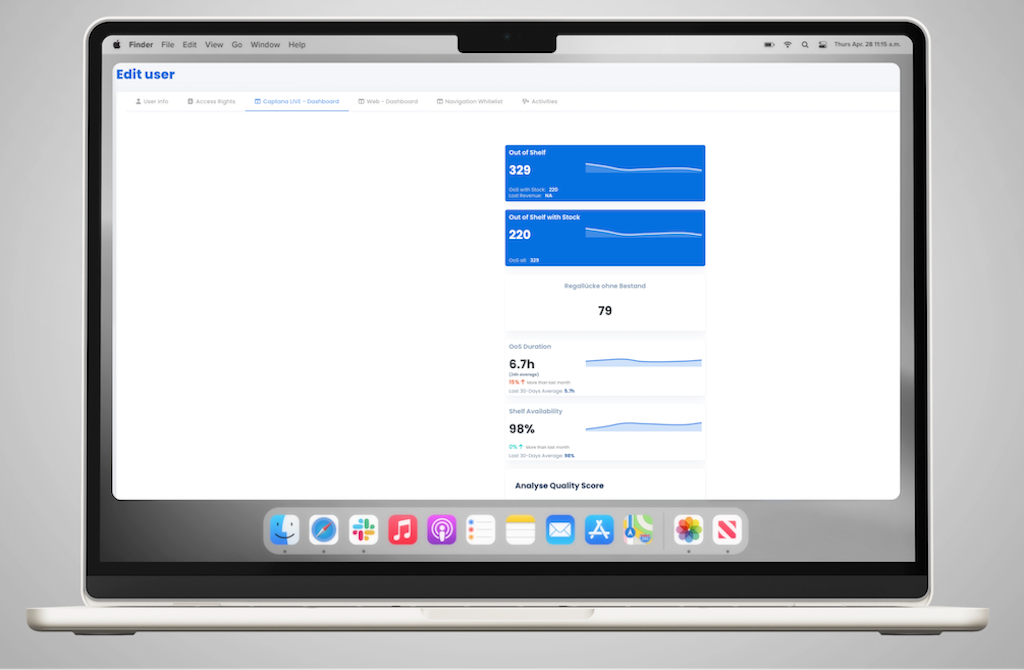
Dashboard in Captana LIVE – Customize Your View
The dashboard in the Captana LIVE app can be flexibly tailored to your specific requirements. This ensures ...
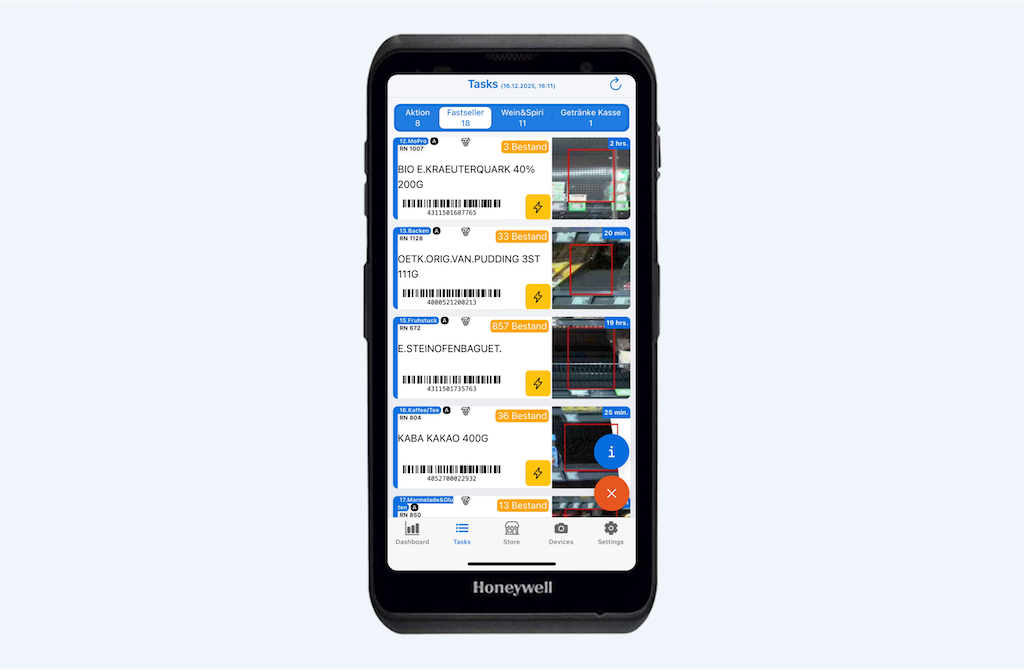
Tasks in Captana LIVE – Refill Products Efficiently
The Captana LIVE app helps you resolve Out-of-Shelf (OoS) situations or shelf gaps in a targeted way. Restocking tasks are structured by ...
Dashboard in Captana LIVE – Get a Quick Overview of In-Store KPIs
The dashboard in the Captana LIVE app provides a compact, real-time overview of the current situation in the store. Relevant KPIs ...
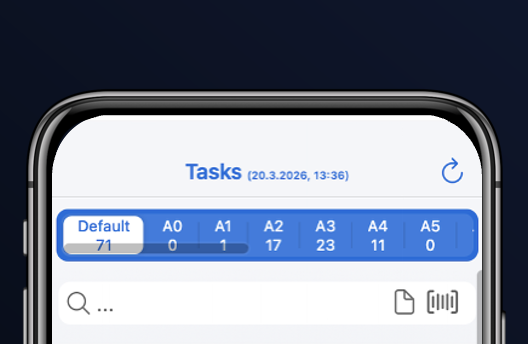
Tasks in Captana LIVE – Quickly Review and Structure Tasks
The task overview in the Captana LIVE app displays all upcoming activities in a structured and prioritized way ...
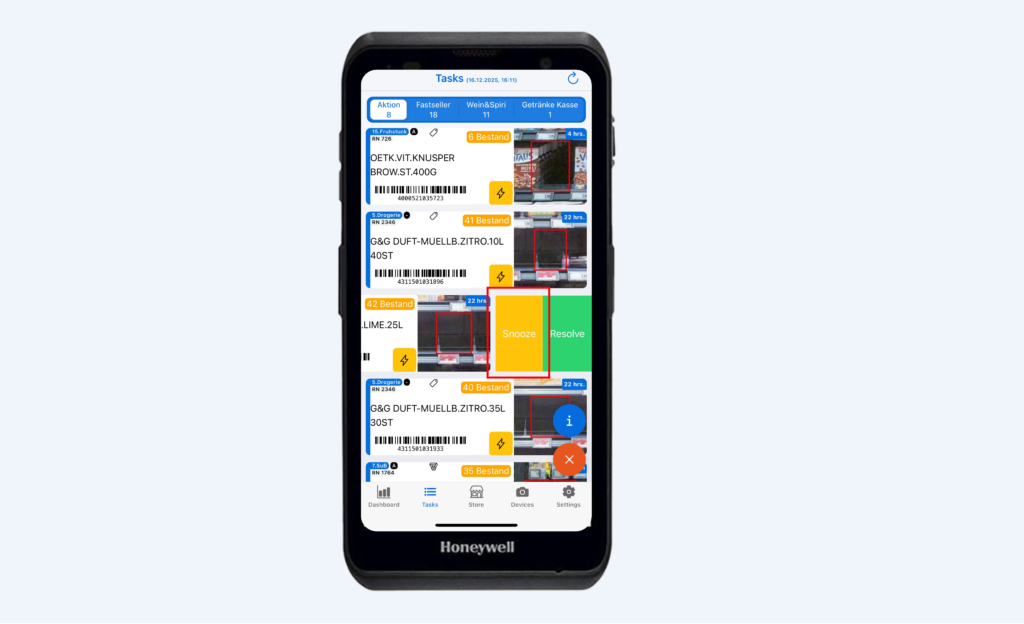
Tasks in Captana LIVE – Flexibly Reschedule Tasks
If a restocking task cannot be completed at the moment, it can be postponed to a later time. The task is hidden ...
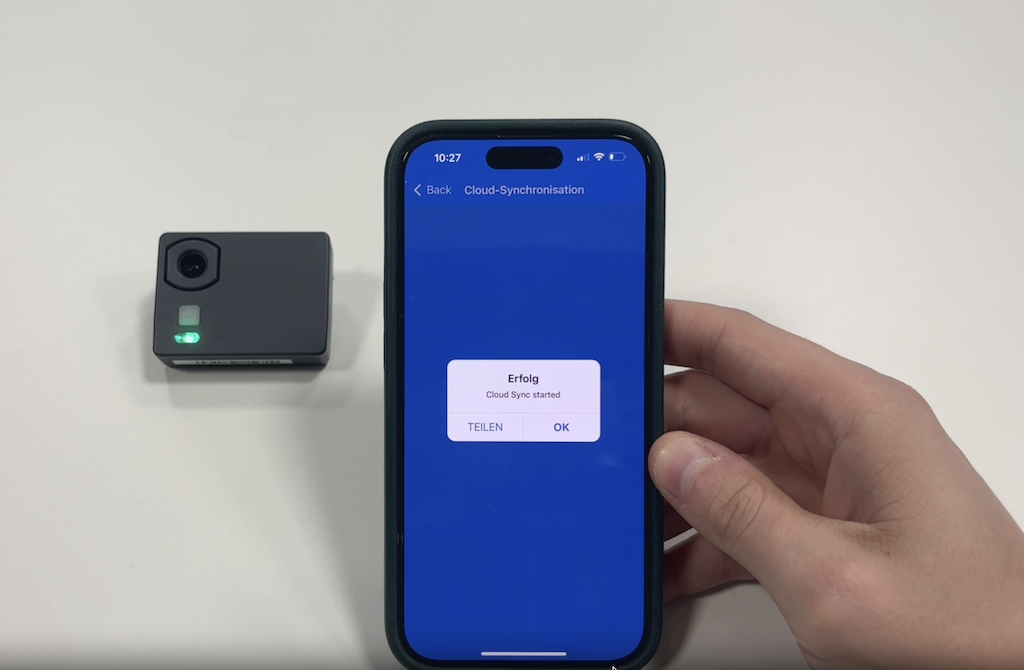
Shelf-Edge Camera – Ensuring WiFi Connection
If a shelf-edge camera is not generating up-to-date analyses, the cause is often a disrupted WiFi connection...
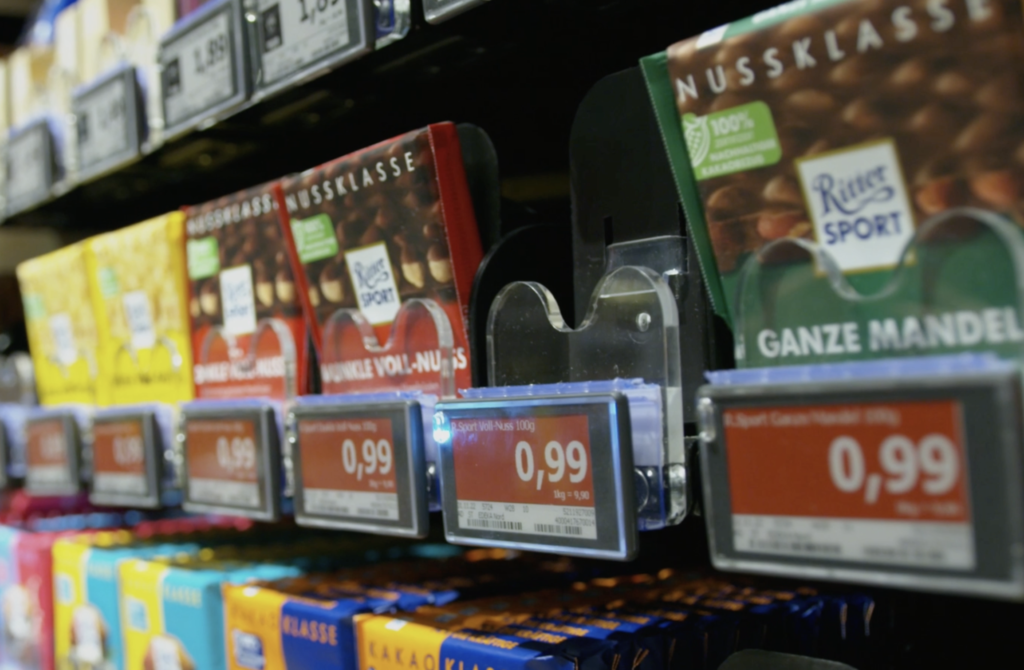
Products in Captana LIVE – Quickly Locate Items on the Shelf
If the exact shelf location of a product is unclear or similar variants make identification difficult, Captana LIVE supports product identification ...
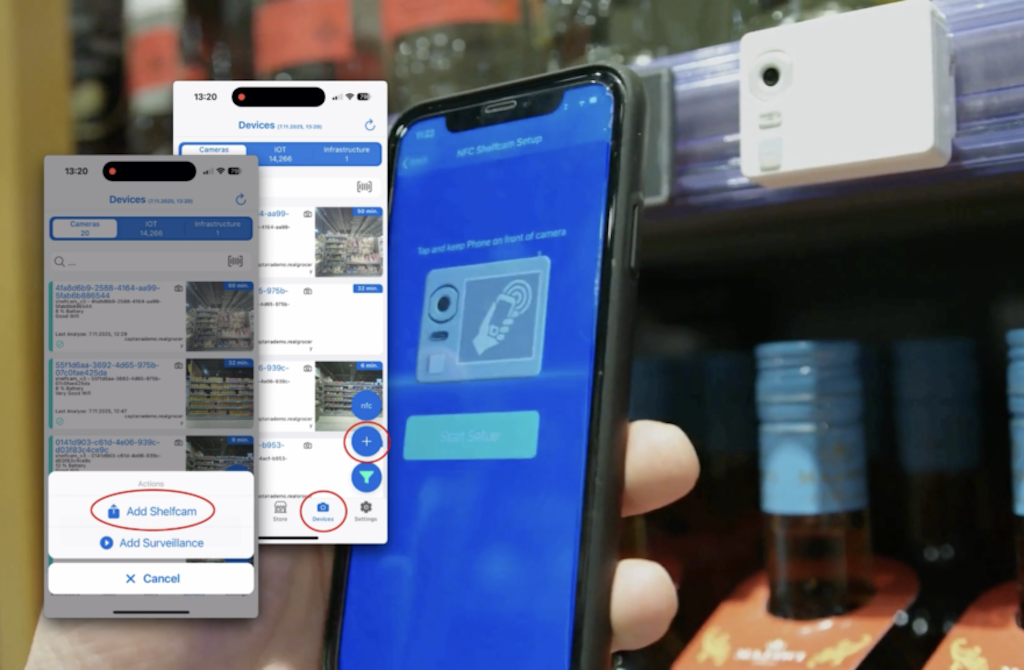
Shelf-Edge Camera – Pairing via Captana LIVE App
During initial installation, new shelf-edge cameras can be directly connected to the system via the Captana LIVE app...
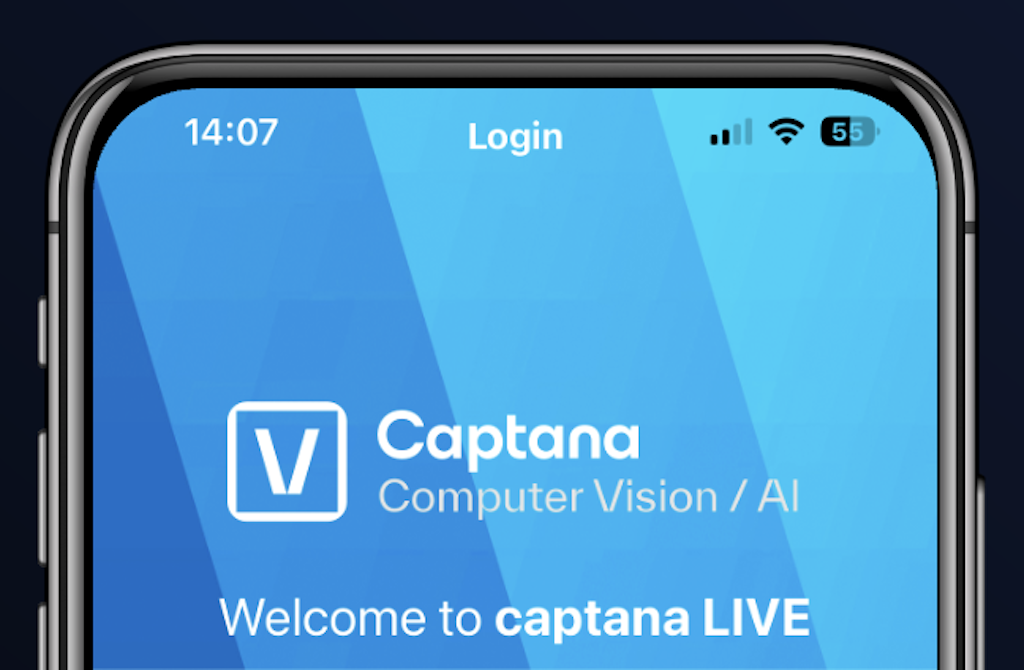
Login in Captana LIVE – Access the App Quickly and Securely
Access to the Captana LIVE app is provided via the credentials stored in captana.io. After logging in, ...

0
Video-Tutorials
Step-by-step video instructions

0
PDF Resources
Downloadable documentation

0
Image gallery
Visual references and examples