
 Schulungskategorie
Technical issues
Learn how to change cameras, charge batteries, and easily handle various service-related issues for your Captana system.
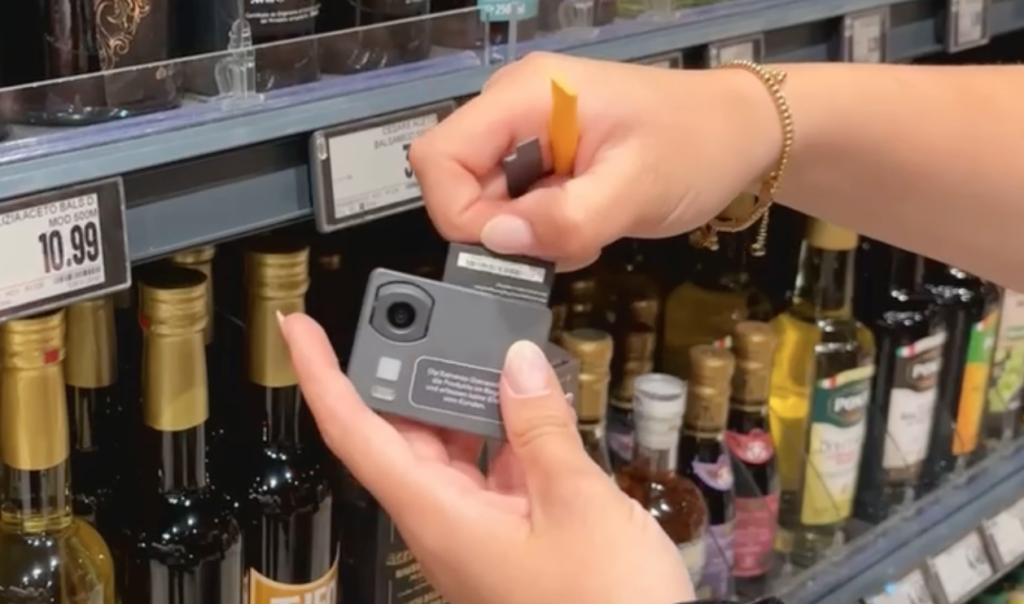
Battery replacement at Captana
Here's how to replace the battery in your Captana cameras.
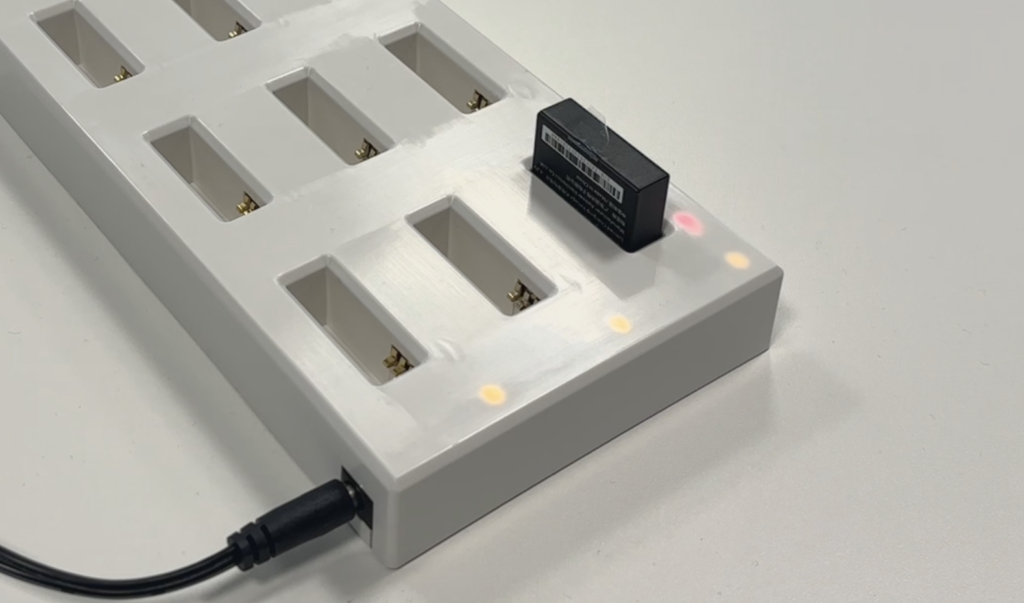
Charging Captana batteries
In this section, we will show you how to charge the Captana batteries. Once the LED lights up green, the battery can be used again.
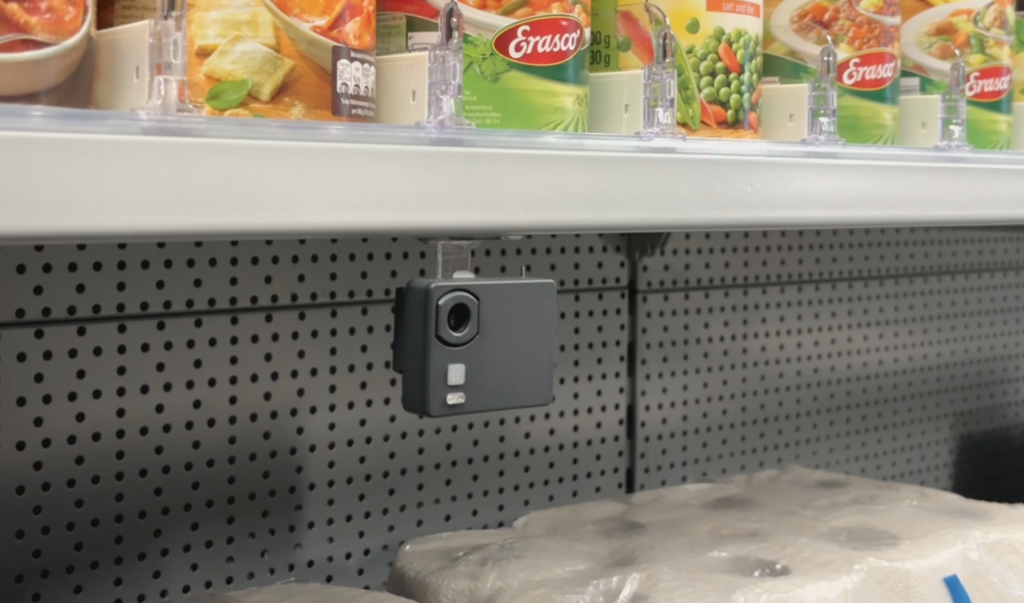
Special mounting on price rails or other displays
For special cases, we offer a variety of mounting options to ensure optimal viewing angles and maximum illumination of your market.
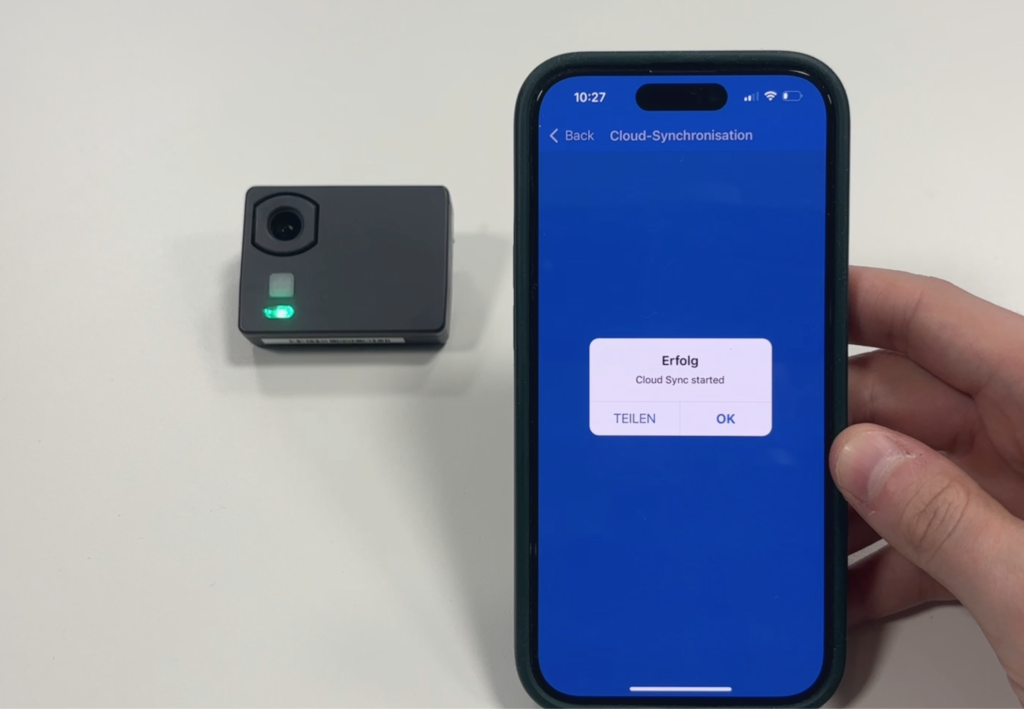
Ensure the camera has a Wi-Fi connection.
In this section, you will learn how to ensure the camera's Wi-Fi connection if it is not providing up-to-date analysis.
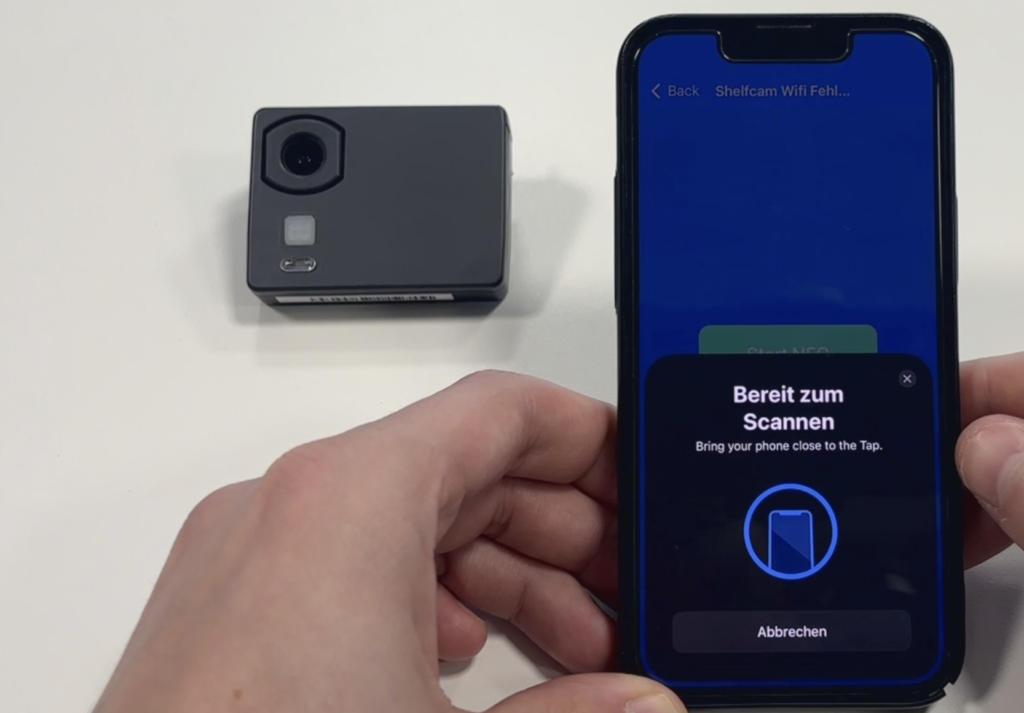
Error analysis of the WIFI connection
If a camera is no longer connecting to the Wi-Fi, an analysis can be performed using the debug function.
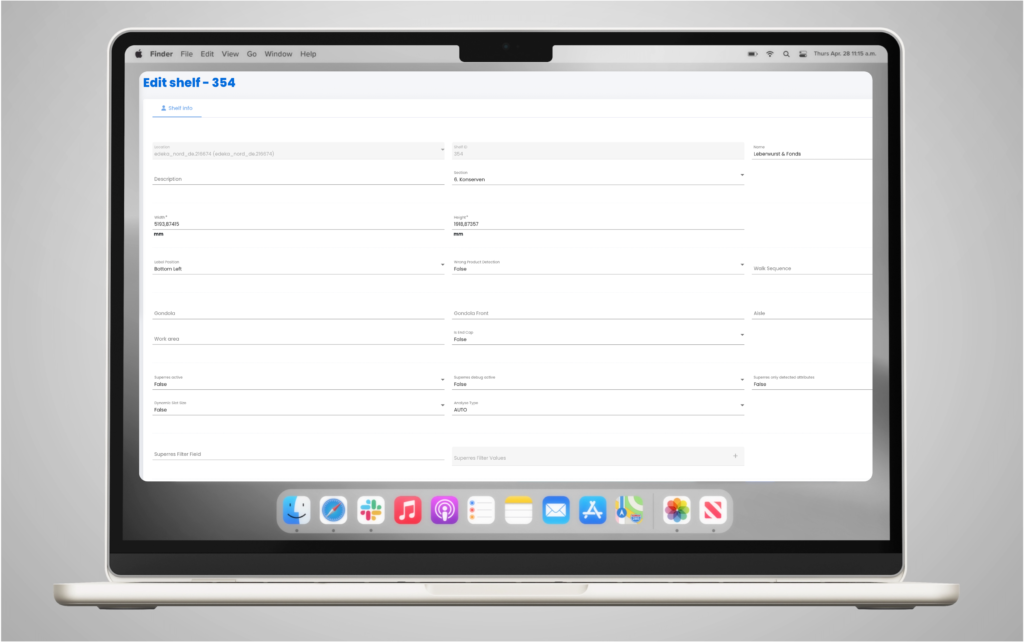
Change the working area of a shelf.
If cameras need to be added or repositioned, you can easily assign the correct working area to a shelf.
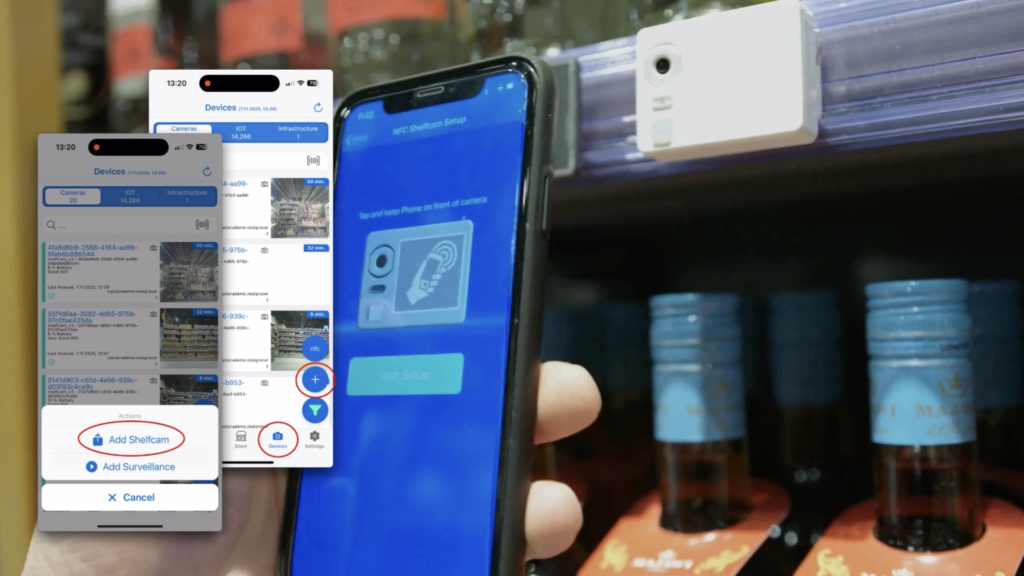
Here's how to connect a Captana shelf camera to the Captana LIVE app.
Connecting a newly installed shelf camera to the Captana LIVE app is incredibly easy: Open the Captana LIVE app.

5
Video-Tutorials
Step-by-step video instructions

0
PDF Resources
Downloadable documentation

0
Image gallery
Visual references and examples