
 Schulungskategorie
Captana Live App
Learn how to use the Captana LIVE app efficiently, set up cameras, and successfully complete tasks step by step.
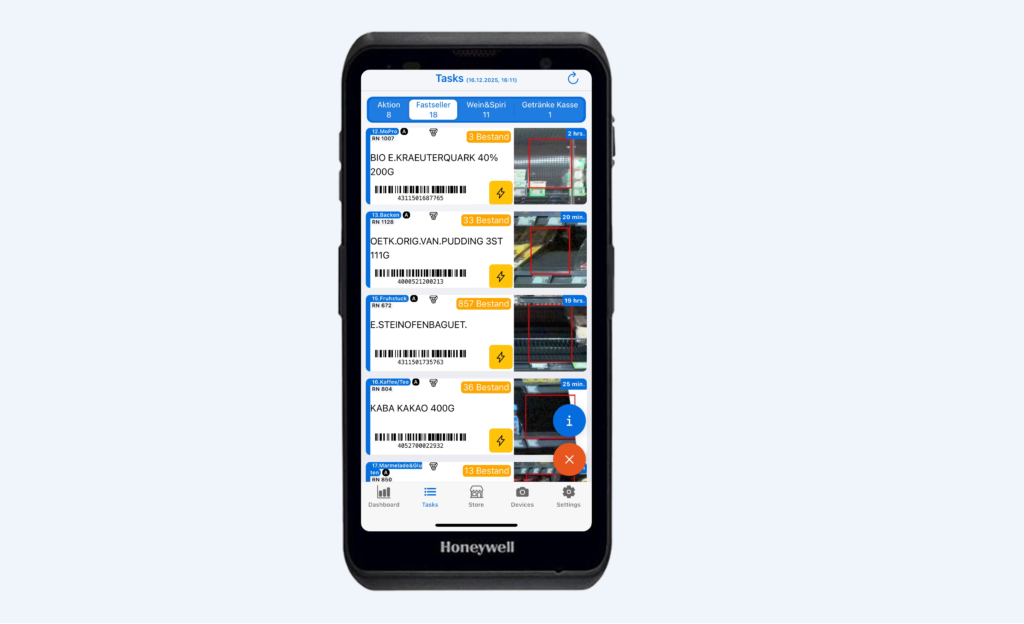
Understand, find, and complete replenishment tasks.
The Captana LIVE app supports you in your daily business with your restocking tasks.
Dashboard in Captana LIVE
The Captana LIVE app offers you your own personal dashboard. This gives you all the KPIs that are relevant to you in one place.
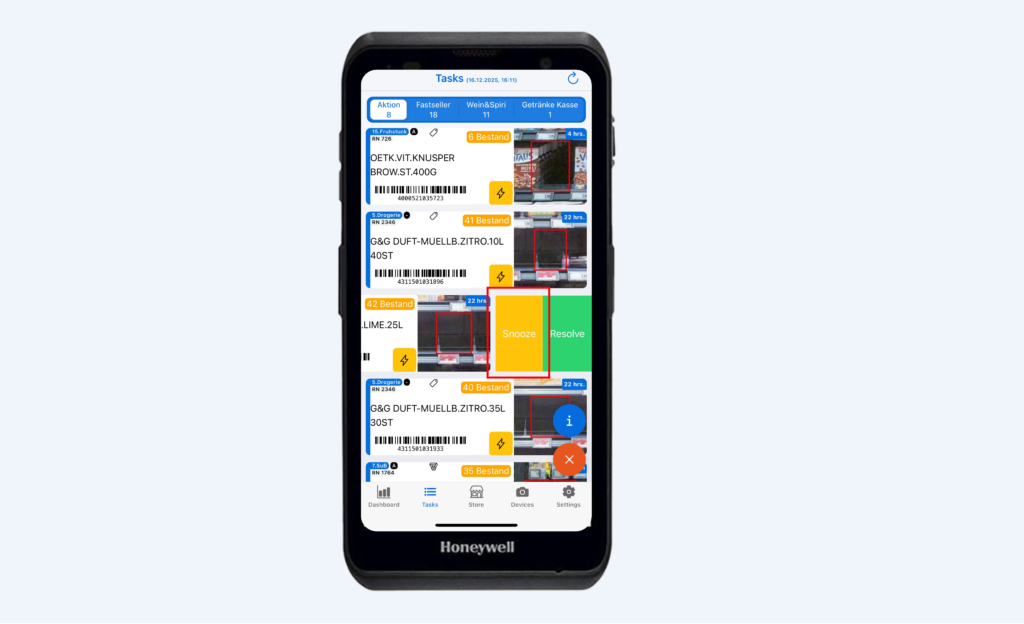
Postpone a refill task until later.
A replenishment task can be postponed for a predefined period and will therefore no longer appear in the task list for the time being.
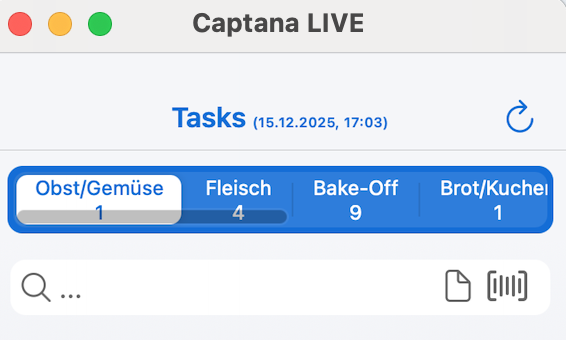
Overview of your tasks in Captana LIVE
In the Captana LIVE app, you will find the tasks clearly grouped: The different tasks are listed in the tabs at the top.
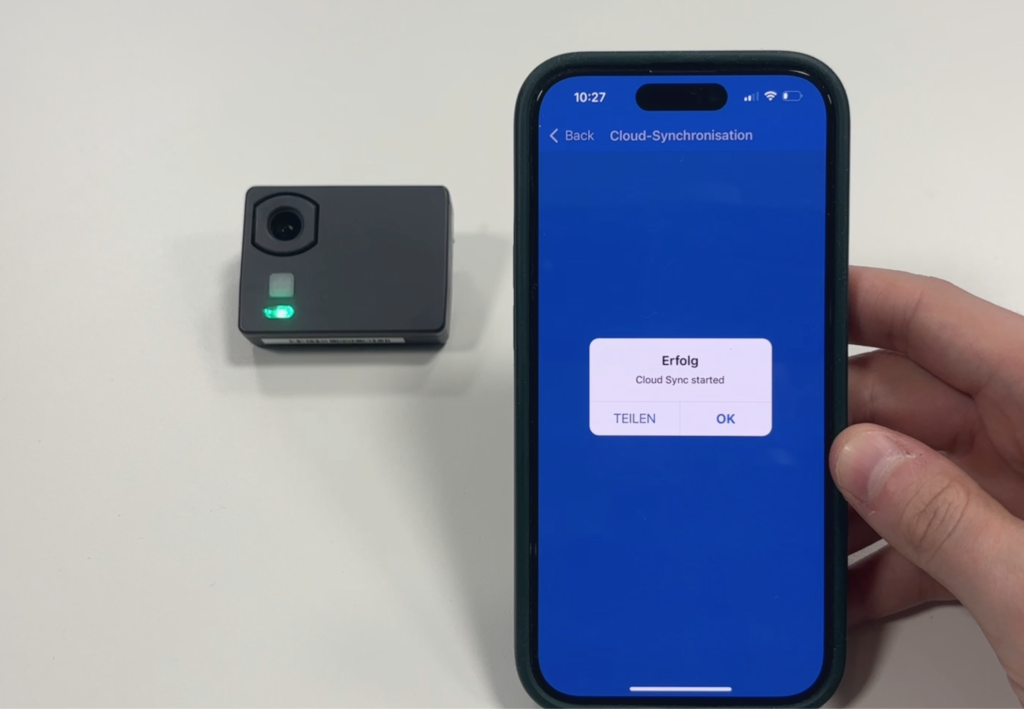
Ensure the camera has a Wi-Fi connection.
In this section, you will learn how to ensure the camera's Wi-Fi connection if it is not providing up-to-date analysis.
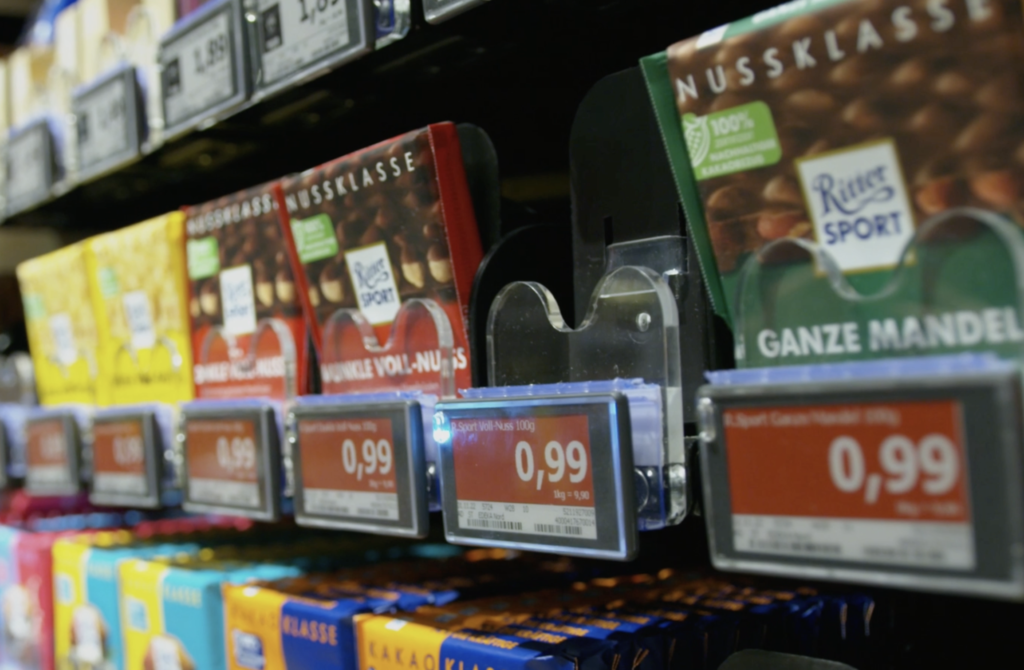
Find a product on the shelf
Use the Captana LIVE app to quickly find a product on the shelf.
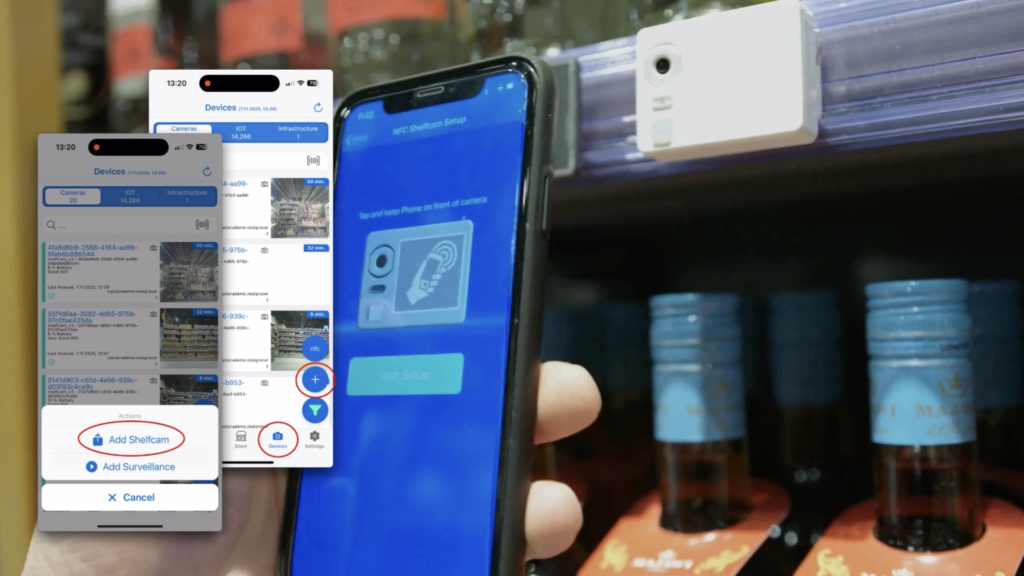
Here's how to connect a Captana shelf camera to the Captana LIVE app.
Connecting a newly installed shelf camera to the Captana LIVE app is incredibly easy: Open the Captana LIVE app.

Log in to the Captana LIVE app.
With the Captana LIVE app, you have your entire store at your fingertips! To log in, simply use your

2
Video-Tutorials
Step-by-step video instructions

0
PDF Resources
Downloadable documentation

1
Image gallery
Visual references and examples