
 Schulungskategorie
Captana.io
Get a clear overview of your key figures, shelves, and camera status—and learn how to use this information effectively to optimize your processes.
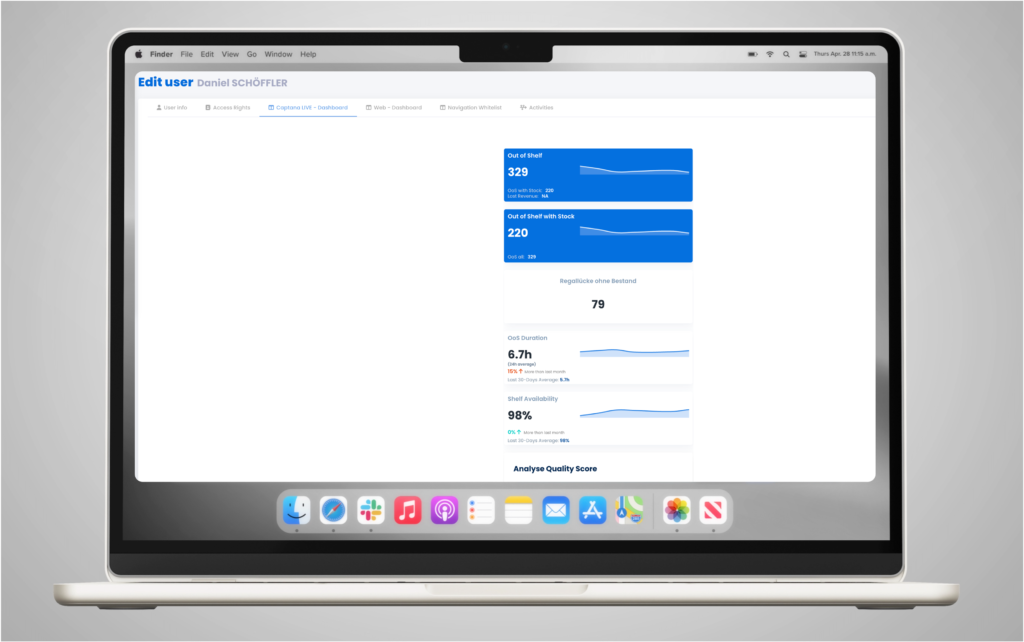
Customize your app dashboard
Learn how to customize your app dashboard and tailor it perfectly to the needs of your customers.
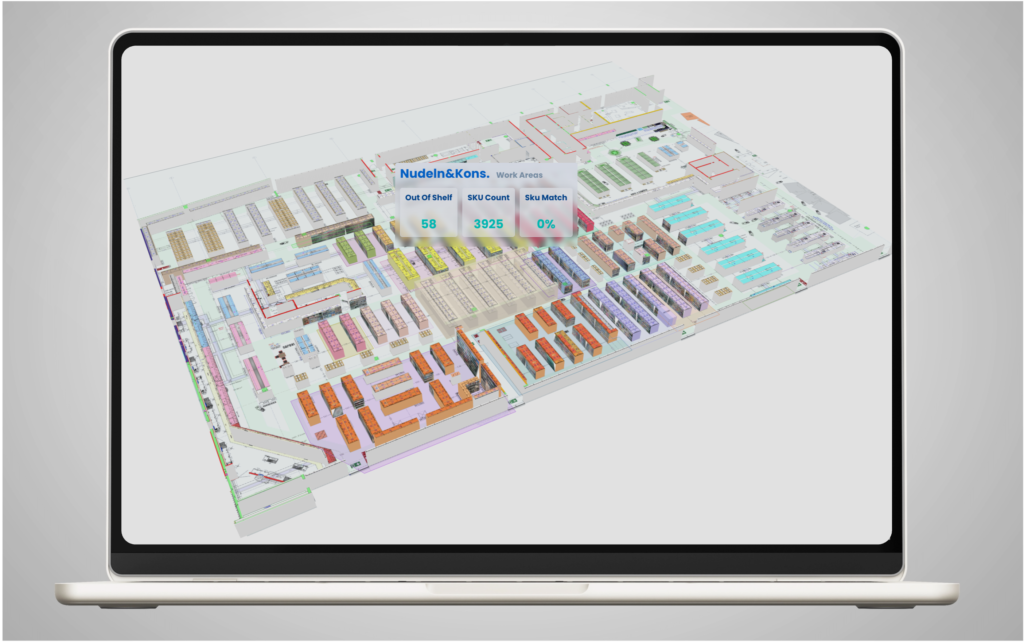
Start Storeview
Captana Storeview visualizes shelves, departments, and aisles exactly where they are located in the real store. By combining
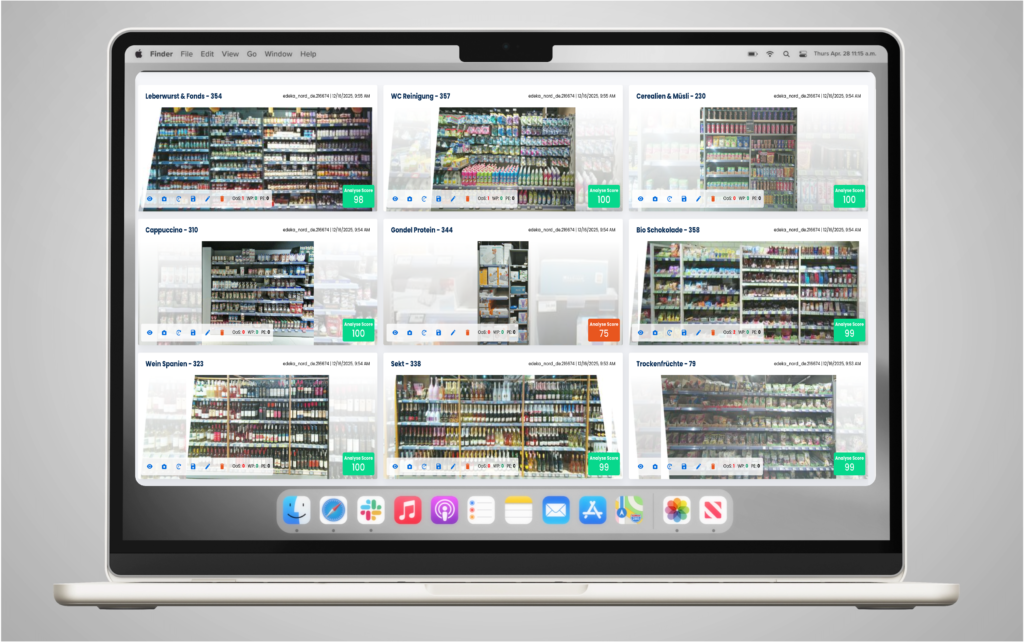
Shelf overview
Get an overview of your shelves and receive information about their current status and analysis quality.
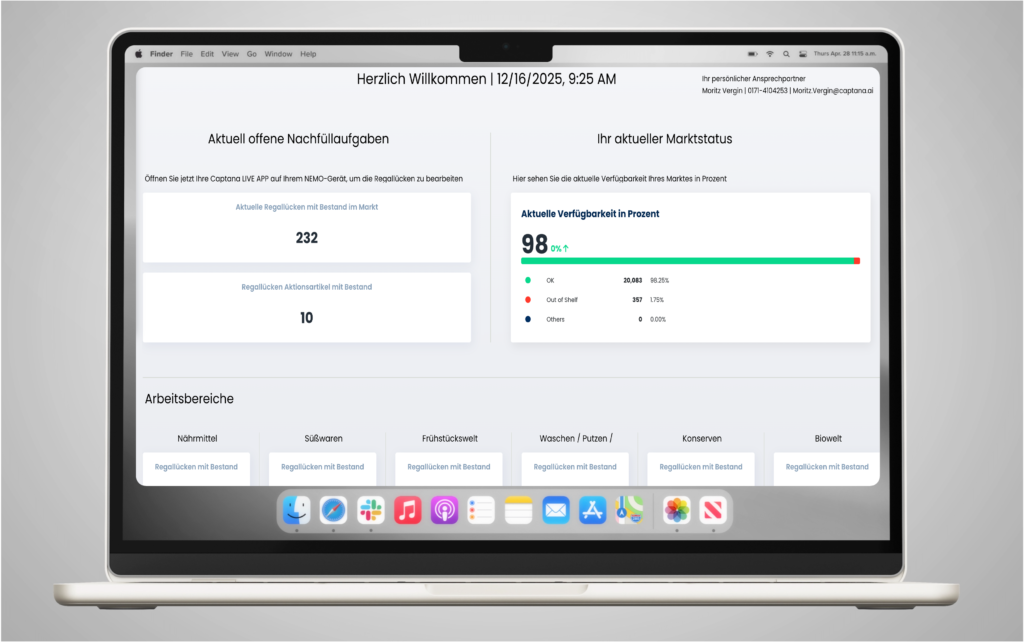
Dashboard overview in captana.io
The dashboard provides a real-time overview of shelf availability and open replenishment tasks to quickly identify bottlenecks and manage replenishment processes efficiently.
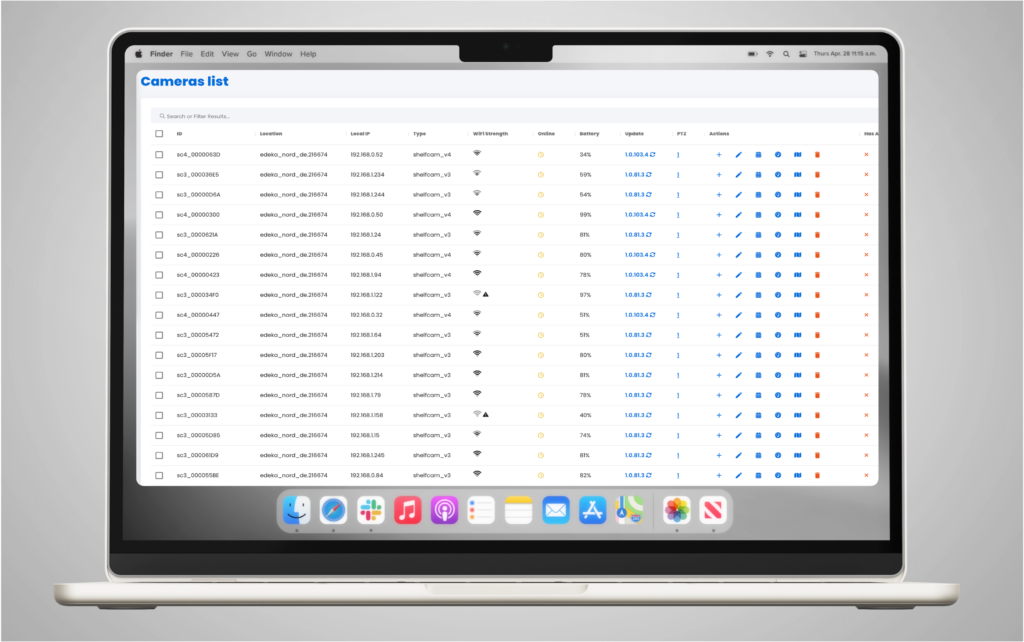
Camera overview
Get an overview of all installed cameras in your store and their current connection status.
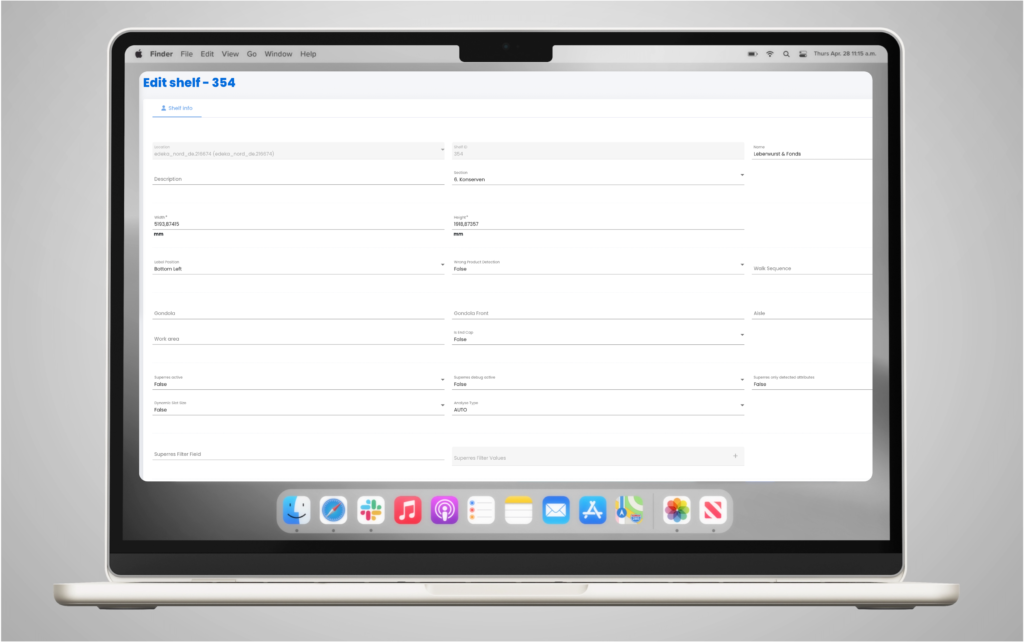
Change the working area of a shelf.
If cameras need to be added or repositioned, you can easily assign the correct working area to a shelf.
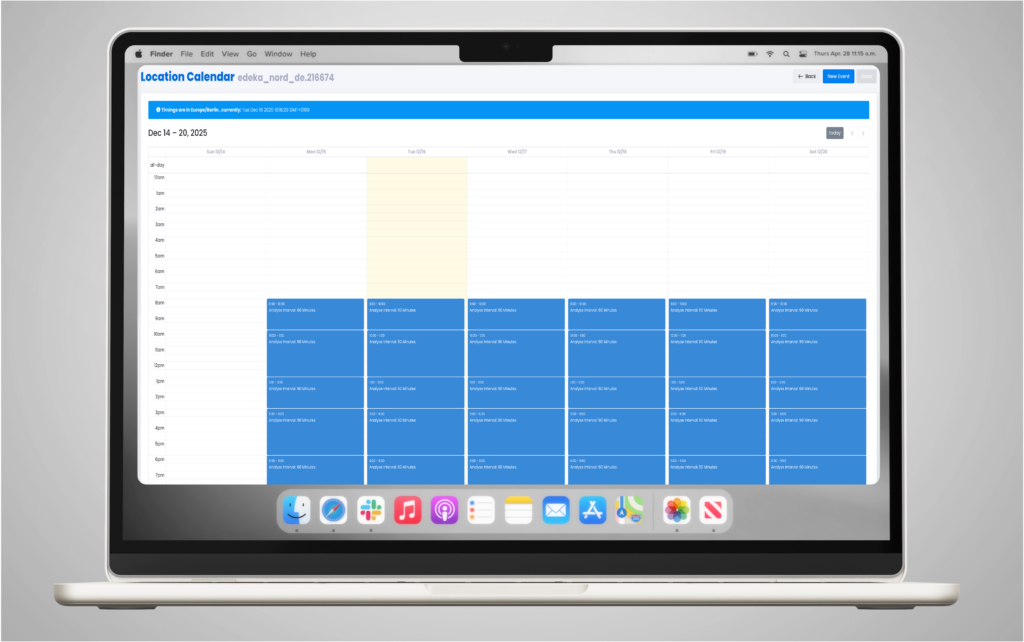
Adjust the analysis calendar
To optimally adapt the analysis cycles to your processes, the analysis calendar can be customized to your needs in just a few simple steps.

0
Video-Tutorials
Step-by-step video instructions

0
PDF Resources
Downloadable documentation

0
Image gallery
Visual references and examples